First you will need to locate your USB name
# fdisk -l
After you located your USB drive you will need to check out the partition type
# fdisk -l /dev/sdb
To mount your USB drive run the following commands
# mkdir /mnt/somedir
# mount /dev/sdb1 /mnt/somedir
Now navigate using a ftp client to /mnt/somedir

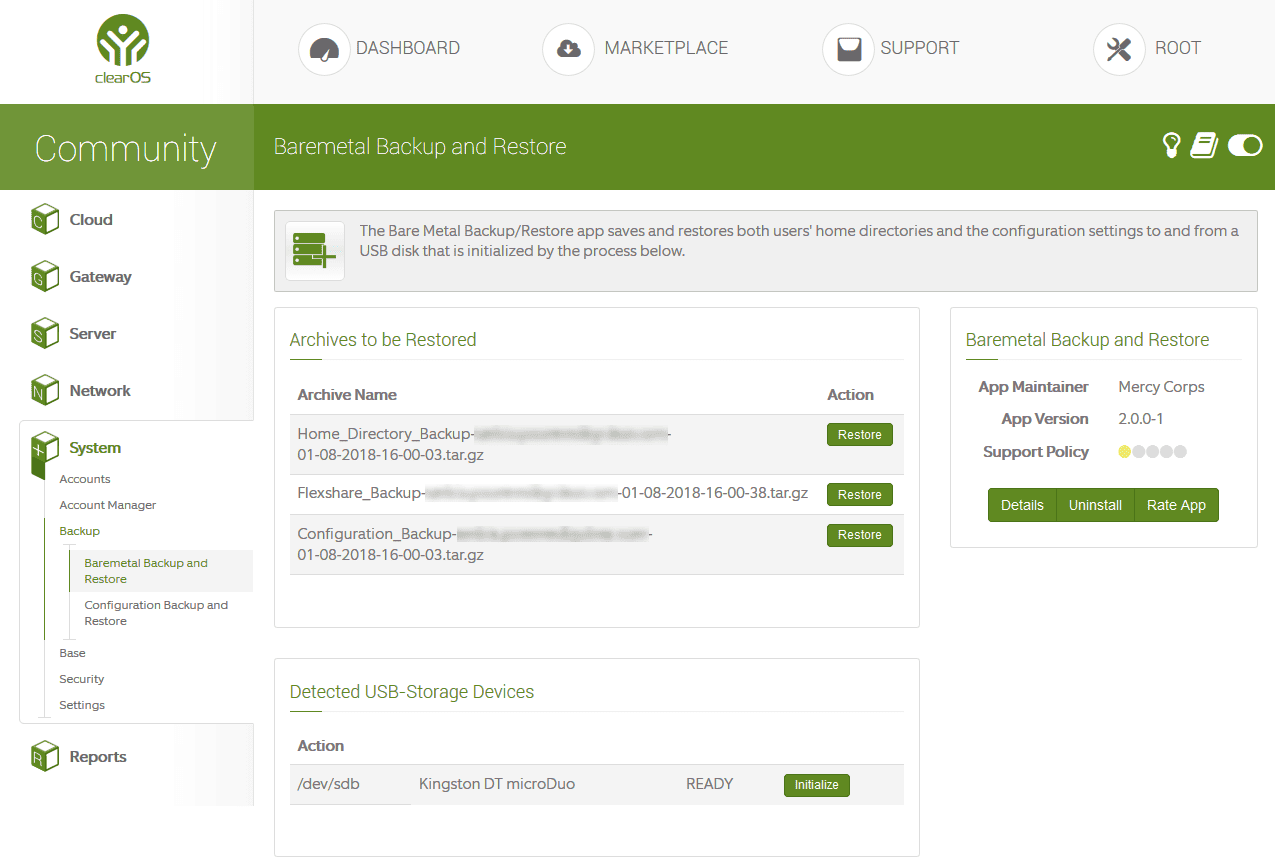
You will now be able to download your ClearOS baremetal backup files to a secure place! When finished just umount your USB drive
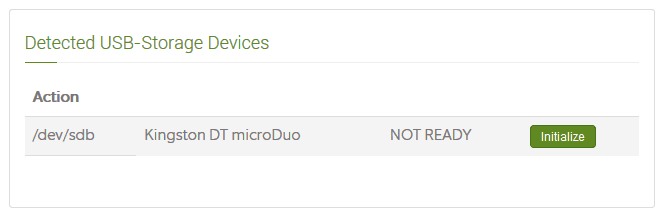
# umount /dev/sdb1
After you run the umount command you will see your baremetal backup again!
Enjoy!